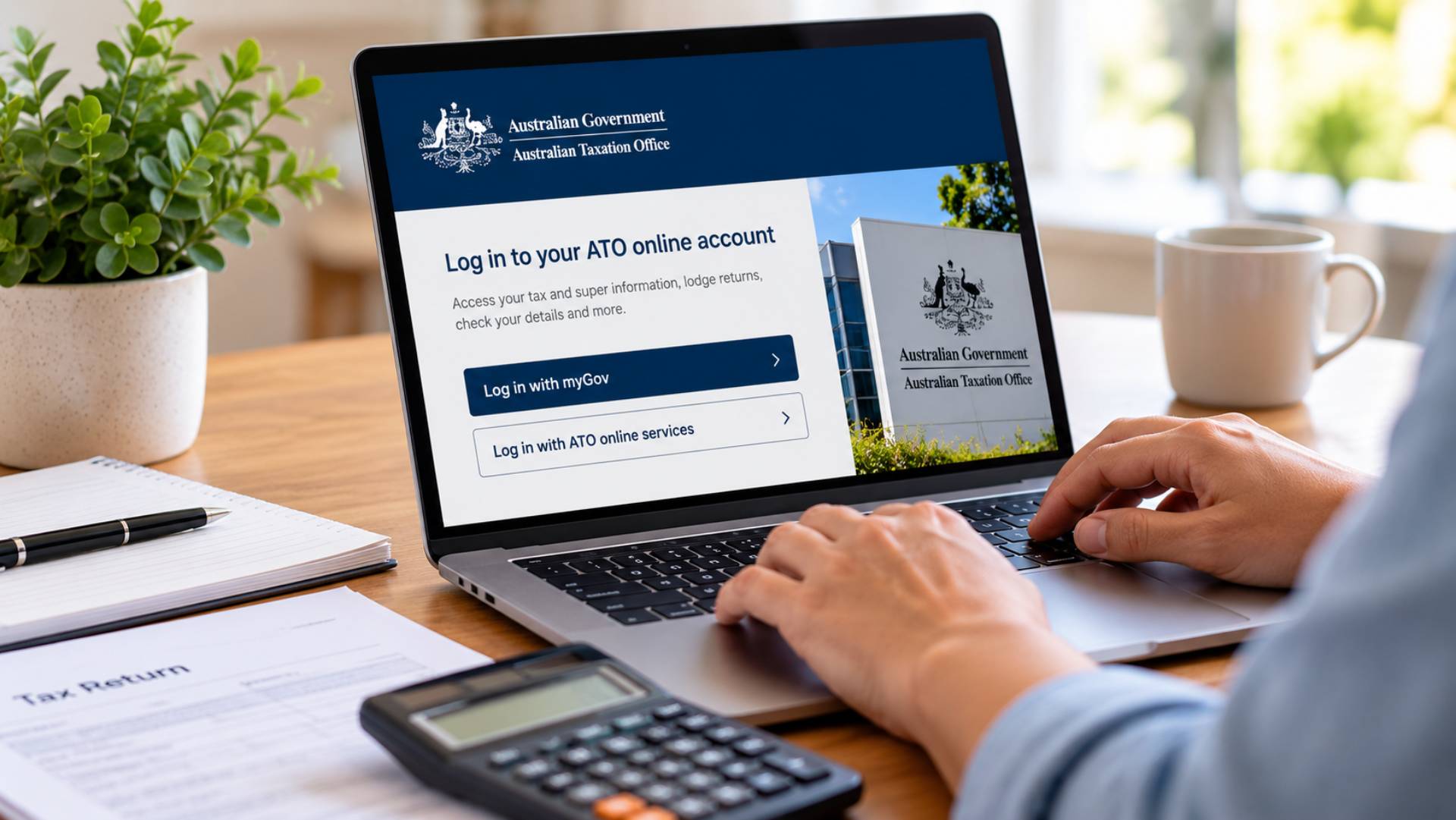
To access your tax account, you log in to ATO online services, which you reach by creating a myGov account and linking it to the ATO. Once that is done, you sign in to myGov, select the ATO from your linked services, and you are in your tax account, where you can see your returns, income statements, account balance, and more. You can do the same thing from your phone through the ATO app, and if you use a registered tax agent, they can access your account on your behalf. The one-off task is the linking, which involves answering some identity questions the first time; after that, getting in is just a normal myGov login. Businesses use a separate system, Online services for business, which is reached with a myID rather than through personal myGov.
What your tax account actually is
When people talk about their tax account, they usually mean their personal record with the ATO, accessed through ATO online services. It is where your tax life sits: your lodged tax returns and their progress, your income statements from employers, your notices of assessment, your account balance and any refund or amount owing, your super details, and tools to update your contact and bank details. Knowing how it is reached is the key to managing your own tax, and it is also where you confirm things like whether a return has been lodged, which our guide on how to check your accountant has lodged your return covers.
Step one: have a myGov account
Access to your ATO tax account runs through myGov, the Australian government’s single sign-on for services like the ATO, Medicare, and Centrelink. So the first requirement is a myGov account. If you already use myGov for anything else, you use that same account; you do not need a separate one for tax. If you do not have one, you create it at the myGov website with an email address and a password, and set up the security features it asks for. The ATO recommends using a myID for more secure and flexible access, but a standard myGov sign-in works for most individuals.
Step two: link the ATO to your myGov account
The step that unlocks your tax account is linking the ATO to your myGov account, which you only do once. Inside myGov, you choose to link a service, select the Australian Taxation Office, and the system asks you a series of identity questions based on information the ATO already holds about you. You confirm your identity by answering enough of them correctly, and the topics the questions can come from include:
- A bank account that received an ATO refund or earned interest in the last two financial years.
- A notice of assessment issued in the last five years.
- A PAYG payment summary from the last two financial years.
- A super account statement from an active fund.
- A dividend statement, a Centrelink payment summary, or similar records.
You do not have to answer every topic, just enough to prove who you are, and you can skip a question you are unsure of, though skipping all of them counts as a failed attempt. Having a recent document or two from the list in front of you before you start makes this quick. Once you answer enough correctly, the ATO is linked to your myGov, and you will not have to do this again.
Step three: sign in and open your tax account
With the ATO linked, getting into your tax account is simple from then on. You sign in to myGov, and on your home page you select the Australian Taxation Office from your linked services. That takes you straight into ATO online services, your tax account, where everything is laid out in menus: your tax returns, income statements, payments and accounts, super, and your personal details. From here you can track a return, view a notice of assessment, check your balance, or update details like your bank account for refunds, which our guide on changing your bank account for a refund explains.
Using the ATO app on your phone
If you would rather use your phone, the ATO app gives you the same access to your tax account. You download the official ATO app, and it signs in using your myGov or myID credentials, so once you have linked the ATO to myGov the app works straight away. The app is handy for quick checks, tracking a return, viewing your income statement, or looking up your details, without logging in through a browser. It draws on the same records, so it is just another door into the same tax account.
If you cannot get in
The most common snags are forgetting your myGov sign-in or failing the identity questions when linking. If you cannot remember your myGov details, myGov has its own recovery process for your username and password, separate from the ATO. If you cannot pass the identity questions, usually because you do not have the right documents to hand or your details have changed, you can phone the ATO, which can help you verify your identity another way and, in some cases, provide a linking code to use in myGov. It is worth persevering, because once you are linked the access is permanent and makes managing your tax far easier.
Businesses: Online services for business
If you are accessing a business tax account rather than a personal one, the path is different. Businesses use Online services for business, which you reach with a myID, the government’s digital identity, connected to your business through Relationship Authorisation Manager. This is separate from personal myGov and is how a company, trust, or partnership accesses its own tax account, lodges activity statements, and manages its obligations. Sole traders can access their business tax information through their personal ATO online services, but companies and other entities use the business system. Our business advisers help business clients get set up and often handle the account for them.